Skip to content
Learning Site
Home

About

  • About Robotical
  • Case Studies
  • Meet the Team
  • Blog
  • Contact Us

Our Products

  • Marty the Robot
  • Axiom
  • Cog

Teach

  • Lessons & Resources
  • Marty for Educators
  • Funding & Grants
  • Professional Development
  • Why Teach STEM?
  • Coding Environments
  • Student Led Learning

Let's Code

  • Marty the Robot
  • Code Online
  • Marty Apple App
  • Marty Android App
  • Update your Marty
  • Cog
  • Code Online
  • Cog iOS App
  • Cog Android App
  • Axiom
  • Axiom Science

Support

  • Marty Get Started
  • Cog Quick Start Guide
  • Axiom Science Quick Start Guide
  • Support & FAQs
  • Marty V2 User Guides
  • Marty V1 Resources
  • Request Support
  • Request Top-Up Training

Shop

  • Marty the Robot and Physical Computing
  • Class Packs
  • Add Ons & Extras
  • Account
  • Shipping, Returns & Cancellations
  • Distributors
HomeLessonsUnits of workCurriculum standardsTutorials

Information

  • Lessons & Resources
  • Knowledge Base & User Guides
  • About Us
  • Shipping, Returns & Cancellation
  • Privacy Policy
  • Learning site privacy
  • Terms of Service
  • Partner Hub

Support & Help

  • Support & Help Center
  • Getting Started with Marty V2
  • Getting Started with Marty V1

Learning, Resources & Guides

  • Marty V2 Lessons Site
  • Marty V1 Lessons Site

Contact Us in the UK

Stanhope House,12 Stanhope Place,Edinburgh,United Kingdom,EH12 5HH
(+44) 0131 564 0922
hello@robotical.io
Contact Us

Contact Us in the US

2810N Church St, PMB 61694,Wilmington,Delaware,USA19802-4447
(+1) 833 886 1661
hello@robotical.io
Contact Us

Why not join our mailing list?

For News, New Products and Special Offers

Join mailing list

Copyright 2016-2026 © Robotical Ltd

All lessons
Marty app
CurrentPrevious

1.13: Debugging with Marty Blocks

Build up your knowledge of MartyBlocks blocks and learn to debug code
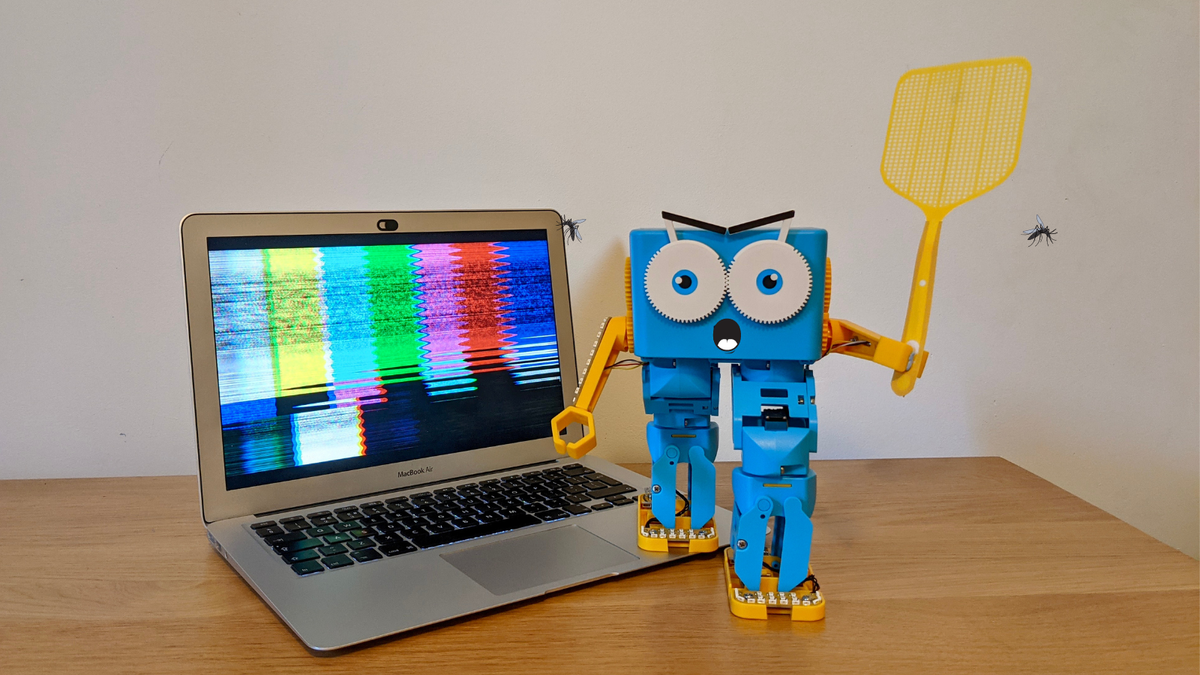
1.13: Debugging with Marty Blocks
Estimated time
45 minutes
Difficulty
Intermediate
Products
Marty V2

On this page

  1. Lesson overview
  2. Objectives & resources
  3. Key vocabulary
  4. Lesson plan
  5. Extensions and challenges
  6. Additional reading
  7. Curriculum standards

Extensions and challenges

Extend

  • Challenge learners to think about why bugs may have occurred, this needs to be more than, "Because they made a mistake." Look for ideas like, "They have an if statement that never happened," or "they have a spelling mistake."

Support

  • To support learners in building the code they are to fix, in MartyBlocks, provide a reference for where to find each of the blocks. It is included in the resources section.
  • Illustrate how to test small blocks of code: rather than building the whole program and using the green flag to run it, learners can tap on separate smaller blocks of code and test these one at a time.

Additional reading

  • Marty the Robot Educator Guide
  • Educator FAQ

Curriculum standards

17
Choose your curriculum to see the relevant standards.

17 of 17 linked standards shown.

Australian CurriculumAustralia2
Curriculum areaLinked standards
Digital Technologies, Design & technologies: Digital Technologies

Select a code to read the full standard.

Digital Technologies, Design & technologies: Digital Technologies

  • ACTDIP020Implement digital solutions as simple visual programs involving branching, iteration (repetition), and user input
  • ACTDIP022Plan, create and communicate ideas and information, including collaboratively online, applying agreed ethical, social and technical protocols
CSTA Education StandardsUSA2
Curriculum areaLinked standards
General standards

Select a code to read the full standard.

  • 1B-AP-11Decompose (break down) problems into smaller, manageable subproblems to facilitate the program development process.
  • 1B-AP-15Test and debug (identify and fix errors) a program or algorithm to ensure it runs as intended.
Curriculum for ExcellenceScotland10
Curriculum areaLinked standards
Health and Wellbeing: Mental, Emotional, Social and Physical Wellbeing
Literacy & English: Listening and Talking
Literacy & English: Reading
Literacy & English: Writing
Technologies: Computing Science

Select a code to read the full standard.

Health and Wellbeing: Mental, Emotional, Social and Physical Wellbeing

  • HWB 0-14a / HWB 1-14a / HWB 2-14a / HWB 3-14a / HWB 4-14aSocial wellbeing

Literacy & English: Listening and Talking

  • LIT 1-02aTools for listening and talking
  • LIT 1-07aUnderstanding, analysing and evaluating
  • LIT 1-10aCreating texts

Literacy & English: Reading

  • LIT 1-13aTools for reading
  • LIT 1-15aFinding and using information

Literacy & English: Writing

  • LIT 1-23aTools for writing
  • LIT 1-25aOrganising and using information

Technologies: Computing Science

  • TCH 1-13aUnderstanding the world through computational thinking
  • TCH 1-15aDesigning, building and testing computing solutions
England's National CurriculumEngland1
Curriculum areaLinked standards
Computing, Design and Technology: Computing

Select a code to read the full standard.

Computing, Design and Technology: Computing

  • ✔️Understand what algorithms are; how they are implemented as programs on digital devices; and that programs execute by following precise and unambiguous instructions
ISTEUSA2
Curriculum areaLinked standards
International Society for Technology in Education (ISTE)

Select a code to read the full standard.

International Society for Technology in Education (ISTE)

  • 4cStudents develop, test and refine prototypes as part of a cyclical design process.
  • 5cStudents break problems into component parts, extract key information, and develop descriptive models to understand complex systems or facilitate problem-solving.

Resources

Learner resources

  • Workbook for Debugging with MartyBlocksFile links loading

Educator resources

  • Teacher GuideFile links loading
  • Presentation for Getting Comfortable with MartyBlocksFile links loading
  • Story textFile links loading

Lesson overview

Learners now have some experience with the MartyBlocks environment. This lesson will give them the opportunity to explore another person's code with the aim to find where something is a bit off. Learners will need to be a bit like editors who need to make sure that everything makes sense and that what is written works as intended.

Prerequisite knowledge

Practice with different code from MartyBlocks: repeat, if/then statements

Cross-curricular links

reading and writing, editing

Learning objectives

  • State what a program is supposed to do.
  • Find and fix the bugs in a program.

Resources and equipment

  • Marty the Robot (fully charged)
  • Workbooks
  • Access to compatible devices connected to Marty on MartyBlocks

Key vocabulary

  • Debugging
  • Code
  • Testing

Lesson plan

Warm Up

Introduce a game learners may have played before, but they need to listen to the instructions carefully because they may have changed. Stress that it is important that they follow the rules of the game. You could choose to display the rules on the board but it is recommended that you read them aloud to focus learners' listening skills. If learners start telling you that they know this game, gently remind them that it is important that they listen to the rules, this time.

  1. 7 volunteers are needed at the front. (take time to get 7 volunteers)
  2. The people who are sitting need to put one hand on the desk with their thumb up.
  3. The 7 people at the front need to touch the thumb of a person who is sitting at their desk and then return to the front.
  4. The people whose thumbs were touched get to guess who they think touched their thumb.
  5. If the guess was correct, they need to swap places.

This will likely not even get past the second or third step, but it might: learners will likely protest. Pretend to look flustered and appear to consult some notes, then have some sort of 'ah-hah' exclamation and say you missed part of the instructions. Read the following list of steps:

  1. 7 volunteers are needed at the front.
  2. The people who are sitting need to put one hand on the desk with their thumb up.
  3. The 7 volunteers at the front need to close their eyes (say, "I missed that step before, sorry" or something like that)
  4. The 7 people at the front need to touch the thumb of a person who is sitting at their desk and then return to the front.
  5. The people whose thumbs were touched get to guess who they think touched their thumb.
  6. If the guess was correct, they need to swap places.

Likely the learners will not agree to this either; in fact, it is hoped they will disagree before you get to the end. Display the list of rules; it is in the resources section in word format, feel free to paste the text into a different program if you are more comfortable editing that on the board.

As learners discuss potential changes to the instructions, inform them, "This process is what people, who work with computers and code, call debugging. The instructions, or code, are written but there is something that isn't quite correct so the program does not perform as expected. The people who debug need to understand what the code is meant to do, like you needed to understand how the game was supposed to work. The 'debuggers' then need to test each of the parts of the code to find the problem, much like you checked each of the steps of the game to see what needed to change so you could play properly.

Keep the updated rules somewhere to access later, perhaps you could play at the end of the cool down section.

Share the presentation and read the objectives, success criteria and story text.

Get Learning

Share some fairly basic examples from MartyBlocks where the code is complete and Marty carries out some actions but they do not go as initially intended. Share with learners what the person who wrote the code had wanted Marty to do. Have learners explore the blocks and work with their groups to see if they think it will work and record their ideas in the workbook. Have learners create the code in MartyBlocks to see if their thoughts were accurate. As a class, find the bugs and fix the code. Have learners build the updated code in MartyBlocks and have them run the code to check.

Time for Practice

For each subsequent block in the workbook, learners need to follow the same process:

  1. Explore the code together and see what each part does.
  2. Interpret what the goal of the code is.
  3. Decide if the code works as intended (one example has no bugs, which learners will discover).
  4. Copy the example into MartyBlocks to see how Marty performs.
  5. Make small changes to the code and test the result after each change.
  6. Repeat until the code works as it should.

Some of the blocks have only one bug, others have more than one, and one has no bugs.

Cool Down

Bring learners back together to discuss the bugs they discovered. Check to see how many bugs learners found in the examples that had more than one mistake. Have learners share challenges they faced and any successes they experienced.

Suggested questions you might ask:

  • What steps did you take to decide what the purpose of a program was?
  • Did you discover anything that helped you to more easily discover where the bug was, in the code?
  • Can you suggest anything that might support other people in identifying what code is supposed to do, in case there are bugs in it?

Carry out any end of lesson routines.

Log off devices and clear everything away.
