Skip to content
Learning Site
Home

About

  • About Robotical
  • Case Studies
  • Meet the Team
  • Blog
  • Contact Us

Our Products

  • Marty the Robot
  • Axiom
  • Cog

Teach

  • Lessons & Resources
  • Marty for Educators
  • Funding & Grants
  • Professional Development
  • Why Teach STEM?
  • Coding Environments
  • Student Led Learning

Let's Code

  • Marty the Robot
  • Code Online
  • Marty Apple App
  • Marty Android App
  • Update your Marty
  • Cog
  • Code Online
  • Cog iOS App
  • Cog Android App
  • Axiom
  • Axiom Science

Support

  • Marty Get Started
  • Cog Quick Start Guide
  • Axiom Science Quick Start Guide
  • Support & FAQs
  • Marty V2 User Guides
  • Marty V1 Resources
  • Request Support
  • Request Top-Up Training

Shop

  • Marty the Robot and Physical Computing
  • Class Packs
  • Add Ons & Extras
  • Account
  • Shipping, Returns & Cancellations
  • Distributors
HomeLessonsUnits of workCurriculum standardsTutorials

Information

  • Lessons & Resources
  • Knowledge Base & User Guides
  • About Us
  • Shipping, Returns & Cancellation
  • Privacy Policy
  • Learning site privacy
  • Terms of Service
  • Partner Hub

Support & Help

  • Support & Help Center
  • Getting Started with Marty V2
  • Getting Started with Marty V1

Learning, Resources & Guides

  • Marty V2 Lessons Site
  • Marty V1 Lessons Site

Contact Us in the UK

Stanhope House,12 Stanhope Place,Edinburgh,United Kingdom,EH12 5HH
(+44) 0131 564 0922
hello@robotical.io
Contact Us

Contact Us in the US

2810N Church St, PMB 61694,Wilmington,Delaware,USA19802-4447
(+1) 833 886 1661
hello@robotical.io
Contact Us

Why not join our mailing list?

For News, New Products and Special Offers

Join mailing list

Copyright 2016-2026 © Robotical Ltd

Step 1 of 5

Unit of Work 2: Programming Concepts 1

Step 1 of 5: 1.5 – Introduction to Loops
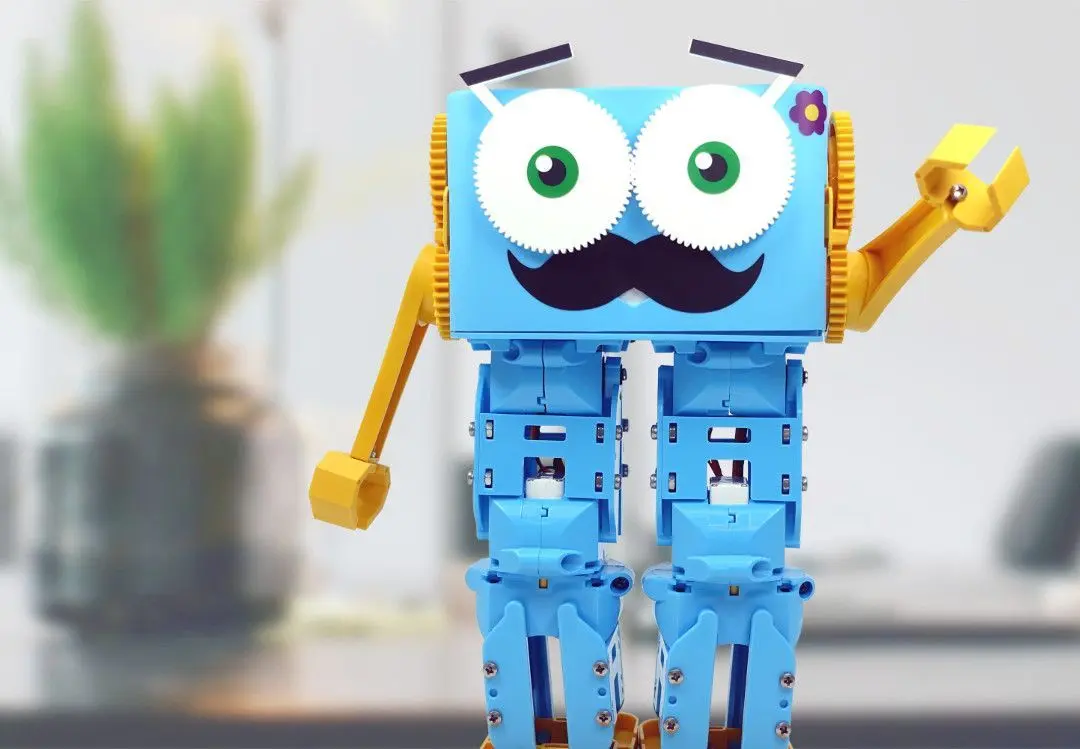
  1. 11.5 – Introduction to Loops
Marty app
CurrentPrevious

1.5 – Introduction to Loops

1.5 – Introduction to Loops
Estimated time
45 minutes
Difficulty
Beginner
Products
Marty V1

On this page

  1. Lesson overview
  2. Objectives & resources
  3. Key vocabulary
  4. Lesson plan
  5. Extensions and challenges
  6. Additional reading

Extensions and challenges

  • Students could design their own shape, draw it out and then program Marty to walk around in this shape and then challenge other student groups to try and program that shape

Additional reading

  • Educator’s Guide
  • Introduction to Programming with Marty using Scratch
Unit of Work 2: Programming Concepts 1
Unit overview
21.6 – Introduction to Events
31.7 – Parallel Programming
41.8 – Introduction to Variables
51.9 – Introduction to If Statements
Next step1.6 – Introduction to Events

Lesson overview

In this lesson, students will continue to build upon their programming knowledge with the introduction of loops. Students should be able to understand that they can use loops to reduce the number of lines of code that they have to write by the end of the lesson through using a combination of computational thinking and the Scratch editor.

Prerequisite knowledge

Lessons 1.1-1.4

Learning objectives

  • Put together several lines of code blocks to get Marty to walk around in a specific shape
  • Understand that we can reduce the number of blocks by using something called loops
  • Using loop, write code blocks to get Marty to walk around in a specific shape

Resources and equipment

  • Marty the Robot
  • Marty Workbook (Lesson 1)
  • Paper/Pencils/Tape
  • Laptops/Computers/Tablets
  • Access to the Scratch editor

Key vocabulary

  • Code blocks
  • Loops
  • Repetition
  • Shapes
  • Patterns
  • Angles

Lesson plan

1. Get students to split up into groups of 2-3 and ask each student to take a turn at pretending to be a robot whilst the other members in the team give their ‘robot’ instructions to walk around different shapes (using the tape or paper and pencils to draw out the shape to help with navigation)

a. Remind students that there are only certain instructions that have been listed in their workbooks

b. Start off with something simple like a square and gradually build up to something more tricky like a triangle

2. Staying in the same groups, set up the Scratch editor connected to a Marty device and ask students to program Marty to walk around in a square

3. Ask students to point out any patterns that they can see in their blocks of code

4. Introduce loops as a way to repeat blocks of code n times and get students to use this to re-program Marty to walk in a square

5. Now get students to think up some different shapes and see if they can program Marty to walk in that shape using a loop

a. It might help students to draw out the shape and label the different angles that they will need to program that shape

Unit resources

Learner resources

  • Lesson Plans.pdf
  • Student Workbook.pdf

Teacher resources

  • Curriculum Links.pdf
  • Teacher Guide.pdf
  • Presentation Slides.pdf

Solution resources

  • Solutions.pdf