Unit of Work 2: Programming Concepts 1
Step 5 of 5: 1.9 – Introduction to If Statements
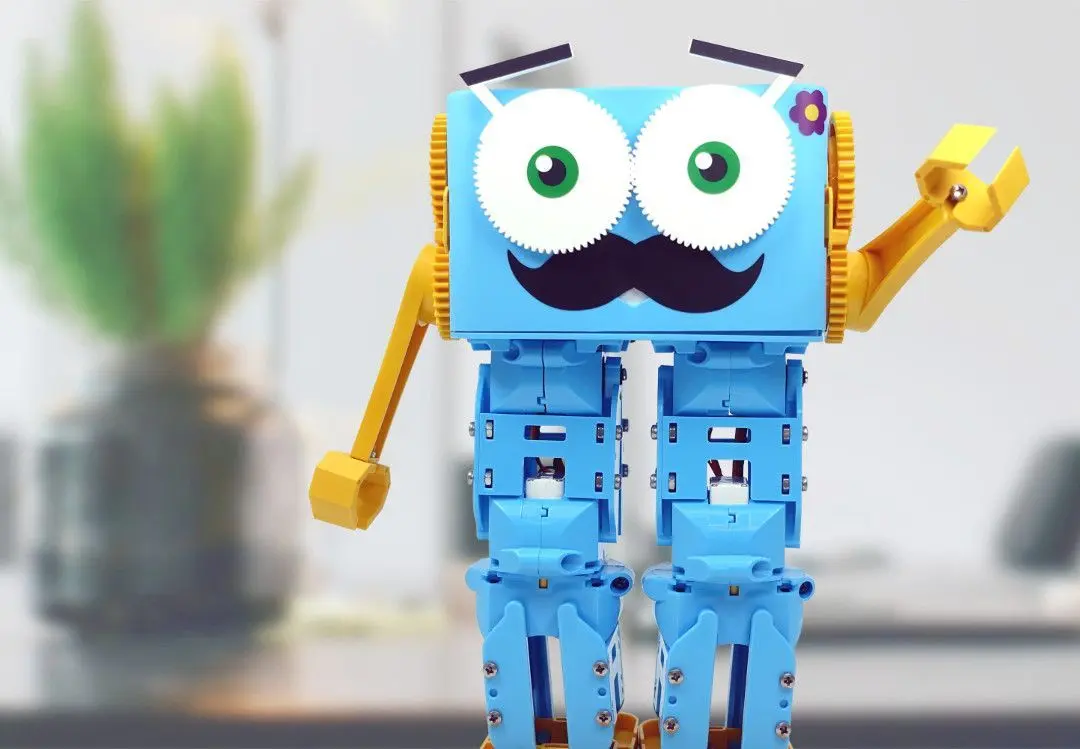
In this lesson, students will continue to develop their understanding and programming skills by looking at a concept called if statements. Students will be asked to relate if statements to situations in real life before creating a small program where Marty responds to inputs such as random numbers or user input.
Lessons 1.1-1.8
1. Now that students have had a lot of time programming with Marty, they should now have an idea of what functionalities Marty has. Discuss with the class what tasks or things that they think robots like Marty could do
2. Introduction to if statements and compare to real life situations like the following IF there is a green man, THEN it is safe to cross the road
3. Ask students to think up some of their own examples of if statements
4. Split into groups so that there are 2-3 students per Marty and ensure that Marty is connected to a Scratch editor
5. Programming task of creating a Marty Magic 8 Ball where we will generate a random number and Marty will respond to this with an action or movement based on the number that is generated