Getting to Know MartyBlocks, after Working with MartyBlocks Jr
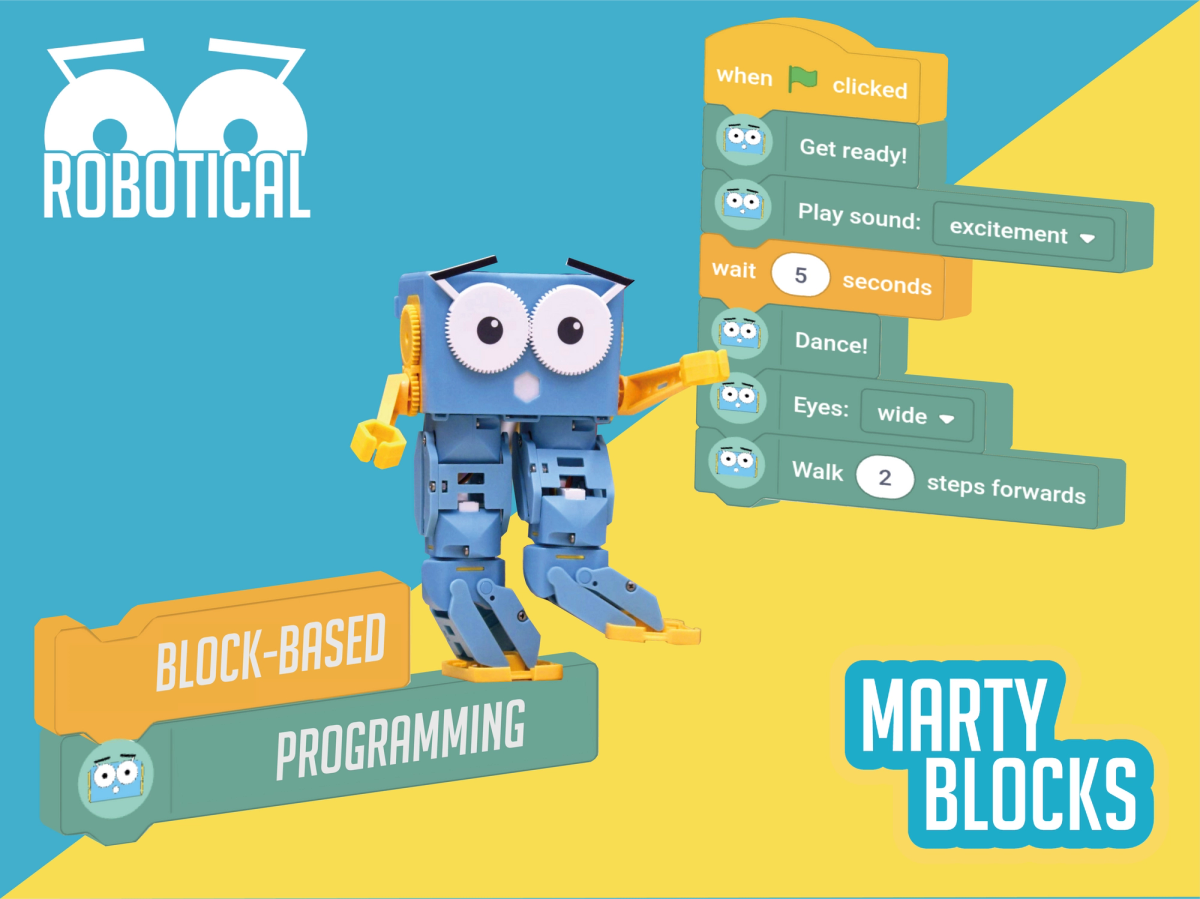
Challenge learners to design symbolic blocks for new actions in MartyBlocks: if your younger siblings, or friends, wanted to do what you can do with MartyBlocks, but their reading is not very good, what do you think would be the clearest picture for them?
Alternatively, challenge learners to think of examples where text is unnecessary: either the symbol is sufficient or the text for get in the way of the image.
Have the blocks from MartyBlocks and MartyBlocks Jr printed out so that learners can cut out and arrange the blocks that are similar on the page (they can then glue together the blocks that perform the same action, in their workbooks), rather than sorting through the lists and matching that way.
19 of 19 linked standards shown.
| Curriculum area | Linked standards |
|---|---|
| Digital Technologies, Design & technologies: Design & Technologies | |
| Digital Technologies, Design & technologies: Digital Technologies |
Select a code to read the full standard.
| Curriculum area | Linked standards |
|---|---|
| General standards |
Select a code to read the full standard.
| Curriculum area | Linked standards |
|---|---|
| Health and Wellbeing: Mental, Emotional, Social and Physical Wellbeing | |
| Literacy & English: Listening and Talking | |
| Literacy & English: Writing | |
| Technologies: Computing Science |
Select a code to read the full standard.
| Curriculum area | Linked standards |
|---|---|
| Computing, Design and Technology: Computing |
Select a code to read the full standard.
| Curriculum area | Linked standards |
|---|---|
| International Society for Technology in Education (ISTE) |
Select a code to read the full standard.
| Curriculum area | Linked standards |
|---|---|
| Elementary Technology Applications: Grade 3 to Grade 5 |
Select a code to read the full standard.
MartyBlocks is put together in a vertical format, which is more common for writing code. Learners will be presented with a larger workspace and greater functionality for controlling Marty and eventually having them interact with the environment.
This lesson will familiarize learners with the sections, layout, comparing this new environment with MartyBlocks Jr.
Familiarity with Marty
Share the learning objectives and success criteria from the PowerPoint Presentation.
Read the story text from the presentation that explores the difference text can make on understanding what is presented, particularly when the symbol is complex.
A variety of signs, that should be familiar to learners, are included in the story presentation, first without and then including the text. Follow the suggestions in the presentation to ask learners what it is that the text does to support the symbol or sign. Follow up by asking, is the text absolutely necessary? What does the text do to add to the symbol? After completing the story, have learners complete the task from the workbook that explores the effect that text can have.
From the next slide, show the first image from the graphic novel for The Witches; explore with learners what they see happening from the images on the page: have learners record group ideas in their workbook. Show the next slide, with the text, and have learners again describe what they see happening. Have learners compare the two examples of the same text and record their group's thoughts, in their workbooks. The text is based on Roald Dahl's text of the same name and can be found by clicking here. The images are below, for reference.
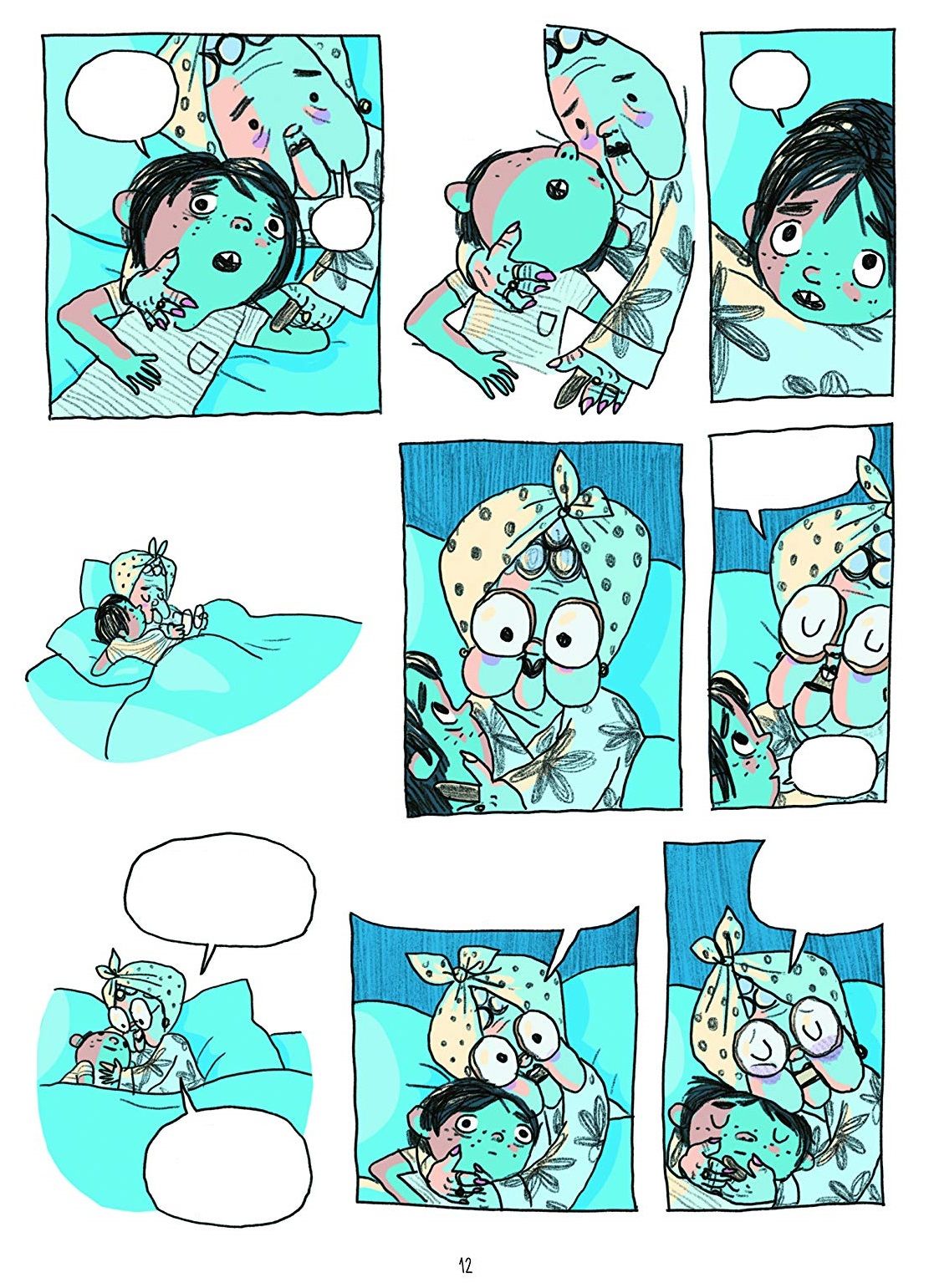
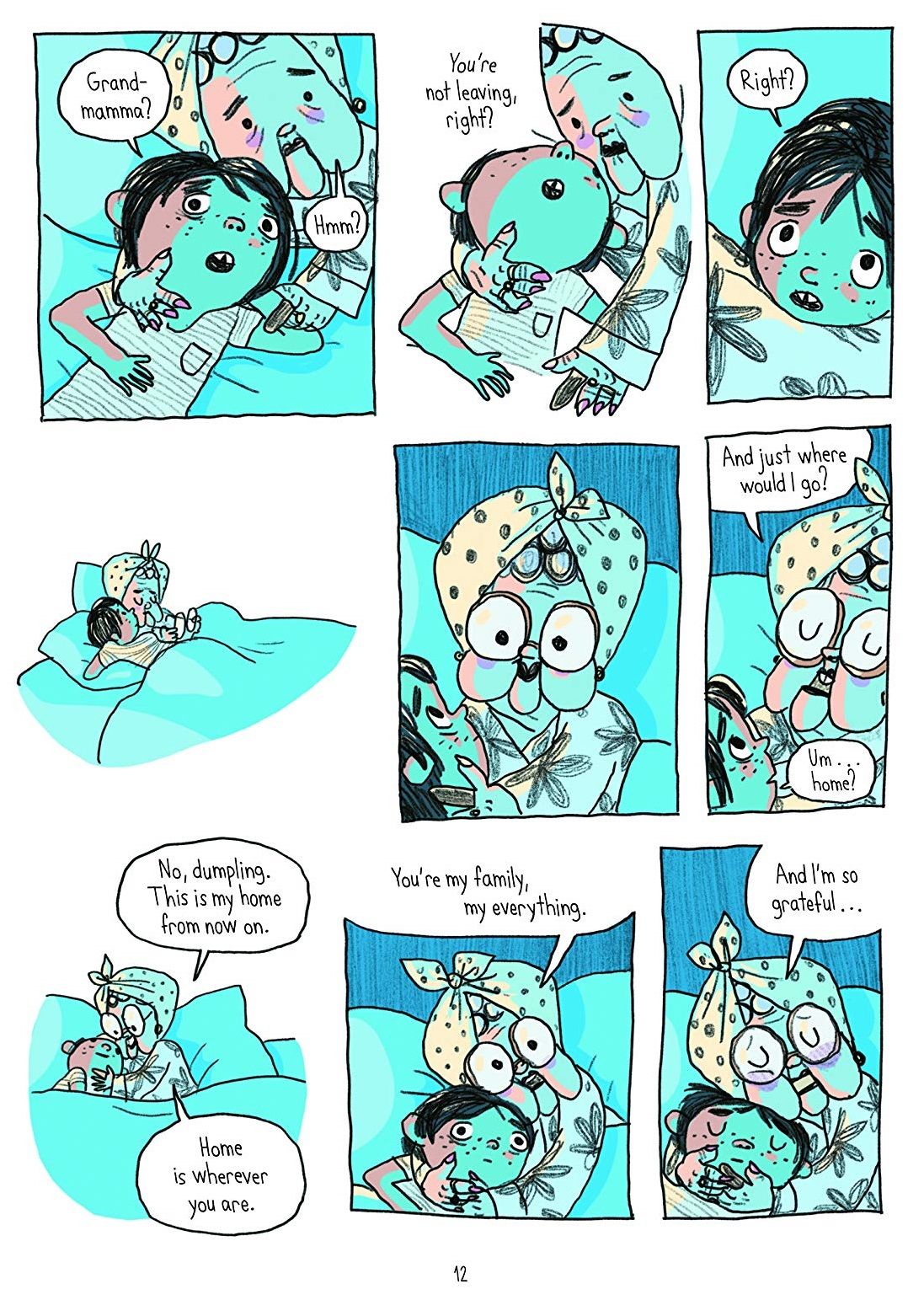
You could expand on this to compare examples that are in books / graphic novels / comics / film / TV. The goal is to see how an item that is not reliant on text, for consumption, compares to one that makes use of text. Additionally, if you are engaging in story-writing tasks, at this time in the term, you might compare the storyboard, largely graphics, that plans out the scenes, with a final text.
Share the comparison slides, after the story text, that showcase the blocks from MartyBlocks Jr and MartyBlocks. The difference that is immediately apparent is the text and symbols, that communicate the purpose of the block. Ask learners if they think one is clearer in describing its purpose, with reasons for why they think this.
The practice focuses on testing the blocks for their purpose as well as determining if there is anything different about what the equivalent MartyBlocks Jr blocks do.
Introduce planning diagrams. These are drawings developers use to organize the code they write to keep their thoughts and ideas organized. There are different symbols that are used for each part of the program. Today's lesson will introduce the first two:
Encourage learners to build a short routine within MartyBlocks and predict what they think it will do, run the actual code, and then describe the actions they saw.
Model connecting to Marty through the app (video below). There is a slide on the presentation that illustrates a video of this. Feel free to delete if you do not need it.
Bring learners back together to discuss their discoveries and thoughts of MartyBlocks. Have groups share their thoughts regarding the comparison between the two environments. Try to get thoughts that cover a range of different blocks that were shown in the workbooks so that you get as much interaction from different learners as possible.
Suggested questions you might ask:
Carry out any end of lesson routines.
Log off devices and clear everything away.